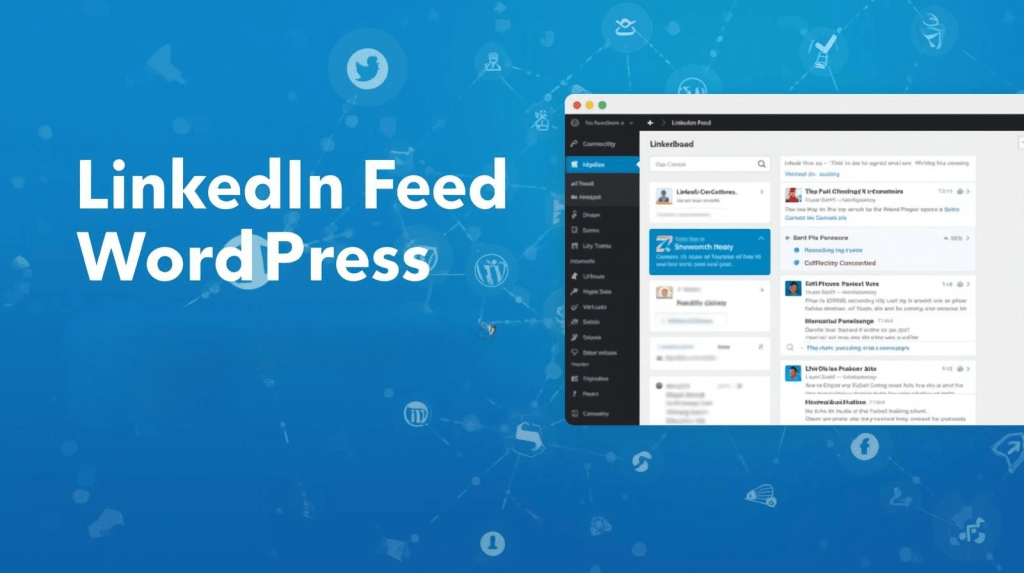
There is a common mistake that thousands of WordPress website owners make every single day. They invest significant time and effort into building a strong LinkedIn presence — crafting thoughtful posts, sharing company updates, publishing industry insights — and then they leave all of that valuable content sitting on LinkedIn, visible only to their existing connections.
Your website, meanwhile, sits static. Unchanged. Showing the same “About Us” copy it has had for months.
A LinkedIn feed WordPress plugin fixes this entirely. By embedding your LinkedIn feed directly on your WordPress site, you create a living, breathing website that updates itself every time you post on LinkedIn. Your visitors see your latest activity, your brand looks active and credible, and your LinkedIn profile gets discovered by people who might never have found it otherwise.
In this article, we explain exactly why embedding a LinkedIn feed on WordPress is one of the smartest things you can do for your business website — and we list the 5 best plugins to make it happen.
6 Powerful Reasons to Embed a LinkedIn Feed on Your WordPress Website
1. It Builds Instant Credibility
When a visitor lands on your website, they are making a split-second judgment about whether to trust your brand. Seeing a live LinkedIn feed filled with recent posts, industry commentary, and company updates immediately signals that your business is active, professional, and engaged. This kind of real-time social proof is far more convincing than a static page of marketing copy.
2. It Increases Time Spent on Your Website
The longer a visitor stays on your website, the more likely they are to convert — and the more favorably Google views your page. An embedded LinkedIn feed gives visitors something fresh to read every time they visit, naturally increasing dwell time. Google interprets this as a sign that your page is relevant and valuable, which can positively impact your organic search rankings over time.
3. It Grows Your LinkedIn Following Organically
Display LinkedIn feed on your website creates a direct discovery path for your profile. Visitors who find your content valuable while browsing your site will naturally want to follow you on LinkedIn to see more. This turns your website traffic into LinkedIn followers without any additional marketing spend.
4. It Keeps Your Website Content Fresh Automatically
Outdated websites lose credibility fast. With a LinkedIn feed plugin, every post you publish on LinkedIn is automatically reflected on your website. You maintain an up-to-date, content-rich site without the extra workload of managing two separate content streams.
5. It Supports Your SEO Strategy
Fresh content is one of Google’s key ranking signals. A website that is regularly updated — even through an embedded social feed — is viewed more favorably than one that stays static for months. In addition, the increased engagement and dwell time that comes from an active feed can contribute positively to your overall SEO performance.
6. It Streamlines Your Content Workflow
Creating content takes time. A LinkedIn feed plugin removes the need to duplicate your efforts — publish once on LinkedIn and let the plugin do the rest. This is especially valuable for small teams and solo business owners who are already stretched thin.
5 Best LinkedIn Feed WordPress Plugins in 2026
1. Tagembed
The best all-around option. Tagembed supports real-time LinkedIn feed updates, multi-platform aggregation, multiple layout options, and advanced content filtering. It has a genuinely useful free plan and scales well for larger businesses. Its analytics dashboard also helps you understand how visitors interact with your embedded feed.
2. EmbedPress
The best option for speed-conscious websites. EmbedPress is lightweight, fast, and incredibly easy to set up. It integrates seamlessly with Gutenberg and Elementor, making it a natural fit for most WordPress setups. Ideal for bloggers, consultants, and small businesses.
3. WP Social Ninja
The best option for businesses that want full social media management from WordPress. Beyond embedding feeds, WP Social Ninja lets you schedule posts, auto-publish content, aggregate reviews, and track analytics — all from one plugin. A true all-in-one solution.
4. Juicer
The best option for design-heavy brands. Juicer creates visually stunning social media feed displays with built-in performance analytics. If your brand identity is visual and premium, Juicer delivers an experience that matches that standard.
5. Walls.io
The best option for businesses running events or interactive campaigns. Walls.io creates real-time social walls that aggregate LinkedIn alongside other platforms. It also includes accessibility features like screen reader support, making it inclusive for all audiences.
Conclusion
The barrier to embedding a LinkedIn feed on your WordPress site is lower than you might think. Most of the plugins above have free plans or trial periods, and setup typically takes less than 15 minutes.
To compare all available options in detail — including features, pricing, and which plugin is best for which type of business — read this comprehensive guide on how to embed LinkedIn feed on WordPress website and start turning your LinkedIn content into a 24/7 trust-building asset on your website.

 Widgetbox
Leave a comment