Facebook remains the world’s largest social media platform with over 3 billion active users. If your business is active on Facebook, you are already creating valuable content every week. But here is the thing that content disappears into a feed and most of your website visitors never see it.
A Facebook widget fixes that. It pulls your latest Facebook posts, photos, reviews, or videos directly onto your website and keeps them updated automatically. Your site stays fresh, your social proof is front and center, and your visitors get to see the real, active side of your business.
But not all Facebook widget tools are built the same. Some are powerful and flexible. Some are basic and limiting. We have tested and reviewed the best options so you do not have to. Here are the 7 best Facebook widget tools in 2026 with no fluff, just honest assessments.
What to Look for in a Facebook Widget Tool
Before we get into the list, here is what separates a good Facebook widget tool from a great one:
- Easy setup — you should not need a developer to get it running
- Design flexibility — layouts, colors, and fonts should be customizable
- Content moderation — you should control what shows on your site
- Platform compatibility — it should work on your specific website platform
- Reliable updates — the feed should refresh automatically without manual effort
- Responsive design — it must look good on mobile, tablet, and desktop
7 Best Facebook Widget Tools in 2026
1. Taggbox — Best Overall
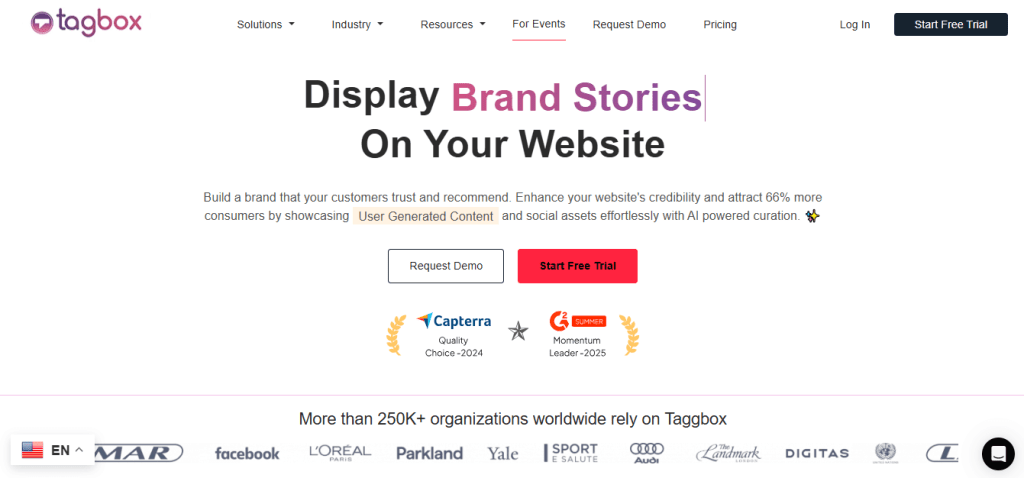
If you only try one tool on this list, make it Taggbox. It is the most complete Facebook widget solution available — packed with features but still easy enough for complete beginners to use.
Taggbox lets you collect Facebook content from multiple sources: your page feed, photo albums, reviews, videos, and even Reels. You can display this content in a range of layouts — grid, wall, carousel, or slider — and customize every visual element to match your brand. The drag-and-drop editor makes it easy to see exactly how your widget will look before you publish it.
The content moderation feature is one of the best in the industry. You can manually approve or reject posts, or set up automated filters to keep things clean without any ongoing effort. This is especially important for businesses that display customer-generated content.
Taggbox works with every major website platform — WordPress, Shopify, Wix, Squarespace, Webflow, Weebly, and plain HTML. It offers a free plan to get started, and paid plans unlock real-time feed updates, advanced analytics, more sources, and priority support.
- Best for: All business types and sizes
- Platforms: WordPress, Shopify, Wix, Squarespace, Webflow, HTML, and more
- Free plan: Yes
2. Tagembed — Best for Quick Setup
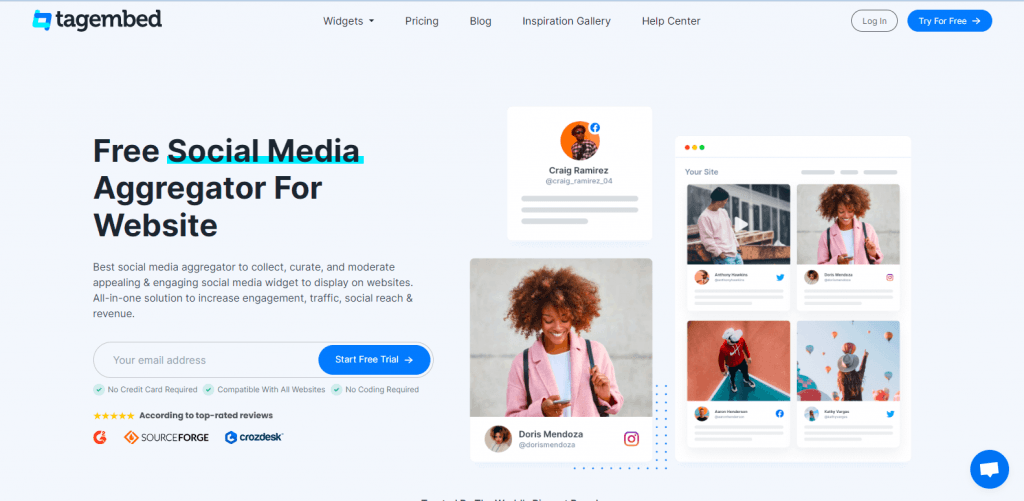
Tagembed is built for speed. If you want a Facebook widget live on your website in the shortest time possible, this is the tool for you. The onboarding process is straightforward, the interface is clean, and you can have a working embed ready in under 10 minutes.
It supports Facebook page feeds, albums, and mentions. Layout options include grid, list, and masonry. There are dedicated WordPress and Shopify plugins which make installation even faster on those platforms.
The customization is not as deep as Taggbox, but for most standard use cases it covers everything you need.
- Best for: Businesses that want the fastest possible setup
- Platforms: WordPress, Shopify, Wix, HTML, and more
- Free plan: Yes
3. Curator.io — Best Free Option
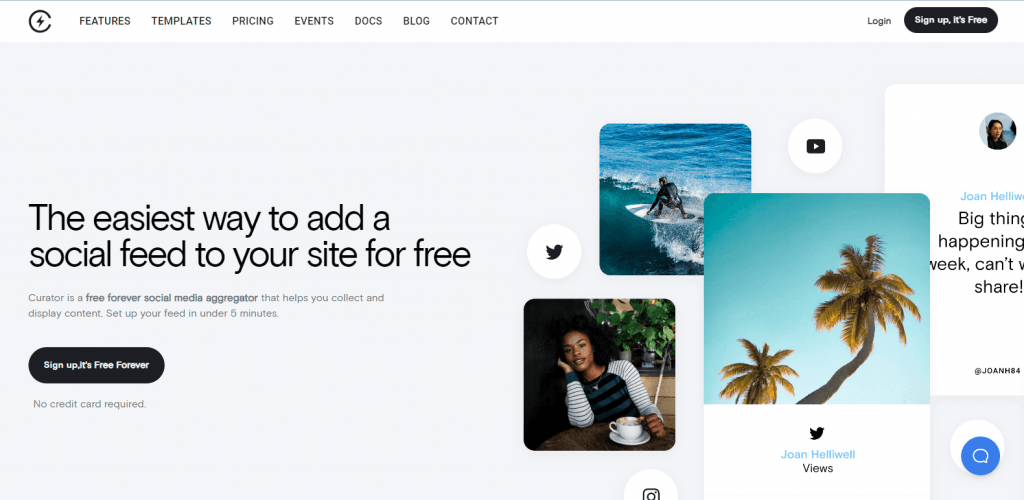
Curator.io stands out for one key reason: its free plan is genuinely useful. Most free plans are so stripped down that they are barely functional. Curator’s free tier lets you actually create a working Facebook feed and embed it on your website without spending anything.
Beyond Facebook, Curator supports Instagram, Twitter, YouTube, LinkedIn, and several other platforms — making it a great choice if you want to aggregate content from multiple social channels into one unified feed.
The interface is minimal and clean. Moderation is included, and the embed code is a single line of JavaScript. For small websites or those just starting out, Curator offers real value at zero cost.
- Best for: Small websites, startups, and budget-conscious users
- Platforms: Most website builders and HTML
- Free plan: Yes — genuinely useful free tier
4. Juicer.io — Best for Multi-Platform Social Walls
Juicer is one of the older and more established names in the social aggregation space. It supports 15+ social media platforms including Facebook, Instagram, Twitter, TikTok, YouTube, and Pinterest.
If your goal is to create a social media wall that combines content from multiple platforms into one beautiful feed, Juicer is one of the best tools for the job. The feeds are clean and responsive, and setup is straightforward.
The free plan includes Juicer branding on your widget. Paid plans remove branding and unlock additional customization and platform connections.
- Best for: Brands that want a combined multi-platform social wall
- Platforms: All major website builders and HTML
- Free plan: Yes — with branding
5. Smash Balloon Facebook Feed Pro — Best for WordPress
If your website runs on WordPress, Smash Balloon’s Facebook Feed Pro is the gold standard. It is installed directly from the WordPress plugin directory — no external accounts or embed codes required. Just install, connect your Facebook page, and your feed is live.
It supports page timelines, photo albums, video feeds, and events. The layout options are solid and the plugin is actively maintained with regular updates. It has thousands of five-star reviews in the WordPress plugin directory and a reputation for reliability.
This is the tool we would recommend to any WordPress user who wants a dedicated, trusted Facebook widget with no fuss.
- Best for: WordPress website owners
- Platforms: WordPress only
- Free plan: Limited free version available
6. Flockler — Best for Agencies and Marketing Teams
Flockler is a premium social media aggregation platform that is built with professional marketing teams in mind. The interface is polished, the design editor is powerful, and it supports a wide range of social platforms including Facebook.
What sets Flockler apart for agencies is the ability to manage multiple client feeds from a single dashboard. You can create branded widgets for different clients, manage content moderation across accounts, and publish everything with a professional finish.
There is no free plan, but the paid plans come with dedicated customer support and features that justify the investment for agencies.
- Best for: Marketing agencies managing multiple client accounts
- Platforms: All major website builders and HTML
- Free plan: No — paid plans only
7. SociableKIT — Best for Specific Content Types
Most Facebook widget tools show a general page feed. SociableKIT takes a different approach it offers individual, dedicated widgets for very specific types of Facebook content: page posts, photo albums, videos, reviews, events, job listings, and even live streams.
This level of specificity is genuinely useful. If you only want to display Facebook reviews on your website, you get a widget built specifically for that. If you only want to show upcoming Facebook events, there is a widget just for that too.
It has a free plan for basic usage and affordable paid plans for more features.
- Best for: Anyone who wants to embed one specific type of Facebook content
- Platforms: WordPress, Shopify, Wix, HTML, and more
- Free plan: Yes
Side-by-Side Summary
- Taggbox — Best overall, most features, all platforms, free to start
- Tagembed — Fastest setup, great for beginners
- Curator.io — Best genuinely useful free plan
- Juicer.io — Best for multi-platform social walls
- Smash Balloon — Best dedicated WordPress plugin
- Flockler — Best for agencies and marketing teams
- SociableKIT — Best for specific content types like reviews or events
Which One Should You Use?
For most businesses — especially those that want a polished, customizable Facebook feed with the least amount of technical effort — Taggbox is the clear choice. It combines the widest platform support, the best design flexibility, and the most powerful moderation tools into a single, beginner-friendly package.
If you are on a tight budget, start with Curator.io’s free plan. If you are on WordPress and want the simplest possible plugin experience, go with Smash Balloon. And if you are an agency managing multiple clients, Flockler is worth the investment.
Final Thoughts
Adding a Facebook widget to your website is one of the highest-impact, lowest-effort improvements you can make. Fresh content, real social proof, and automatic updates all running in the background while you focus on everything else.
Pick the tool that fits your platform and your budget, get it set up today, and let your Facebook content do more work for you.

 Widgetbox
Leave a comment