
In an era where social proof and engagement matter more than ever, embedding a LinkedIn feed on your website has become a smart strategy for businesses of all sizes. A live LinkedIn feed reinforces credibility, showcases your professional activity, and keeps your site dynamic — without requiring constant manual content updates.
But to make that happen smoothly and professionally, you need a solid tool. In this guide, we’ll walk through the best LinkedIn feed embed tools in 2026, comparing their features, ease of use, customization capabilities, pricing, and more.
Whether you’re aiming to enhance engagement, support your recruitment efforts, or complement your marketing campaigns, this comparison will help you choose the right solution.
Why Embed a LinkedIn Feed on Your Website?
Before we dive into tools, let’s answer the key question: Why should you embed a LinkedIn feed on your website?
Here’s what a LinkedIn feed does for your business:
- Builds trust and credibility by displaying live professional updates.
- Improves visitor engagement by keeping content fresh and interactive.
- Supports branding with authentic social media activity.
- Showcases culture and jobs when linked with career pages.
- Boosts conversions by reinforcing messaging from other channels (like email, SMS, WhatsApp).
Now — let’s explore the tools that make embedding LinkedIn feeds easy and impactful.
Top LinkedIn Feed Embed Tools Compared
Below, we’ve curated the best tools to embed a LinkedIn feed, focusing on real value, customization, user friendliness, and pricing transparency. Taggbox and Tagembed are featured first, followed by other strong alternatives.
1. Tagembed

Overview
Tagembed is a powerful and affordable social feed aggregator that makes it easy to embed a LinkedIn feed on your website. It’s ideal for businesses that want simplicity without sacrificing customization.
Key Features
- LinkedIn Feed Support: Pull posts from LinkedIn company pages with ease.
- Custom Themes: Pre‑built templates plus brand customization.
- Moderation Tools: Hide or approve content before publishing.
- Analytics: Basic performance tracking for engagement.
- Multi‑Platform Aggregation: Add LinkedIn with other social sources.
- Mobile Responsive Widgets: Ensures smooth display on all devices.
Ease of Use
Tagembed’s interface is intuitive, making setup quick even for beginners. You can generate LinkedIn feed embed code in minutes after connecting your LinkedIn page.
Best Use Cases
- Marketing content hubs
- Blog sidebars
- Lead generation landing pages
- Client or partner microsites
Pros
✔ Very affordable
✔ Simple setup
✔ Custom branding
✔ Responsive design
Cons
✘ Limited advanced analytics versus Taggbox
Best For: Small to medium businesses that want an easy, budget‑friendly solution to embed LinkedIn feeds.
2. Taggbox
Overview
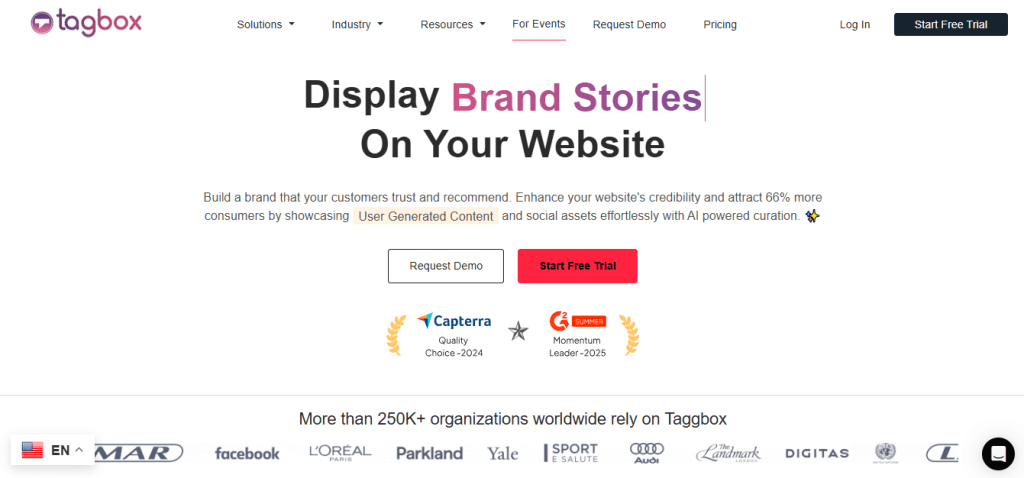
Taggbox is an all‑around social media aggregator and embed tool that makes it simple to pull in LinkedIn feeds — and combine them with other sources — for display on your website. Its strength lies in flexible customization and moderation.
Key Features
- LinkedIn Aggregation: Pull posts from LinkedIn company pages or hashtags.
- Content Moderation: Filter out irrelevant or low‑quality posts.
- Themes & Custom Styles: Match your brand‑colors, fonts, layout styles.
- Multi‑Source Aggregation: Combine LinkedIn with Twitter, YouTube, Instagram, etc.
- Analytics Dashboard: Track engagement metrics for embedded feeds.
- Responsive Design: Feeds adjust for desktop, tablet, and mobile automatically.
Ease of Use
Taggbox is known for a user‑friendly dashboard and simple setup. After connecting your LinkedIn source, you can customize the LinkedIn widget visually and generate embed code — no coding required.
Pros
✔ Strong customization for branding
✔ Integrates multiple social sources
✔ Great for full‑site engagement, not just LinkedIn
✔ Built‑in analytics
Cons
✘ Some advanced features locked behind higher tiers
Best For: Organizations that want a visually rich, highly brand‑aligned LinkedIn embed with analytics and moderation tools.
3. Juicer

Overview
Juicer is a social aggregator focused on simplicity and performance. It can fetch LinkedIn posts and display them in a neat feed format on websites.
Key Features
- LinkedIn Support: Pulls posts from LinkedIn pages.
- Unified Social Feed: Combine LinkedIn with other networks.
- Moderation Panel: Approve or hide posts.
- Custom Styling Options: Adjust colors, fonts, layout.
- Responsive Widgets: Works on all device sizes.
Ease of Use
Juicer is designed to be straightforward. After connecting LinkedIn, you get an embed code to paste into your site.
Pros
✔ Easy setup
✔ Supports multi‑source aggregations
✔ Good moderation tools
Cons
✘ Higher‑tier pricing jumps vs. basic tools
Best For: Organizations that want a simple aggregated feed across social channels.
4. FeedWind
Overview
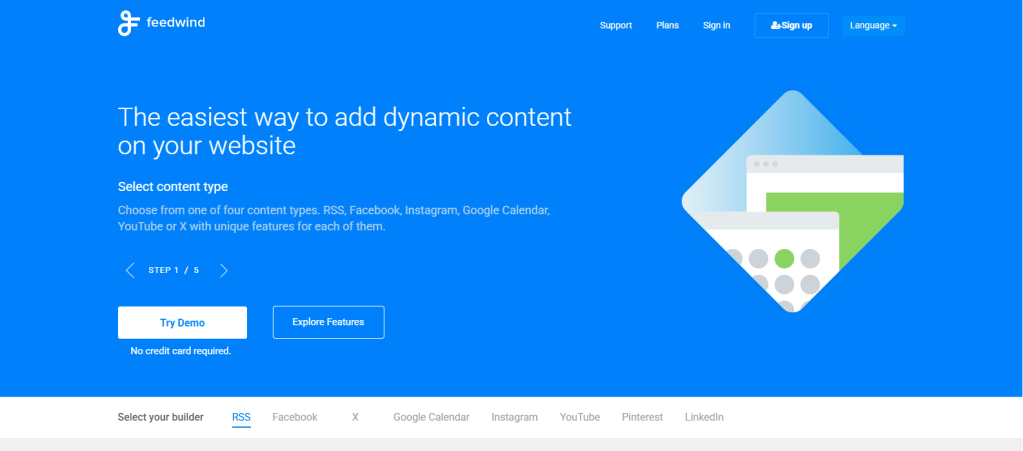
FeedWind is a LinkedIn widget builder that supports adding LinkedIn content (among other sources) to your website. It’s lightweight and customizable.
Key Features
- LinkedIn Feed Support: Pull basic LinkedIn content.
- Responsive Widgets: Mobile‑ready out of the box.
- Custom CSS/Design Options: More control for developers.
- Auto Refresh: Updates feed automatically.
Ease of Use
FeedWind is straightforward but may require a slightly steeper learning curve if you want advanced customization.
Pros
✔ Very affordable
✔ Developers can fine‑tune designs
✔ Auto update capability
Cons
✘ UI is not as polished for beginners
Best For: Tech‑savvy users and developers looking for a lightweight, affordable LinkedIn embed solution.
5. Curator
Overview
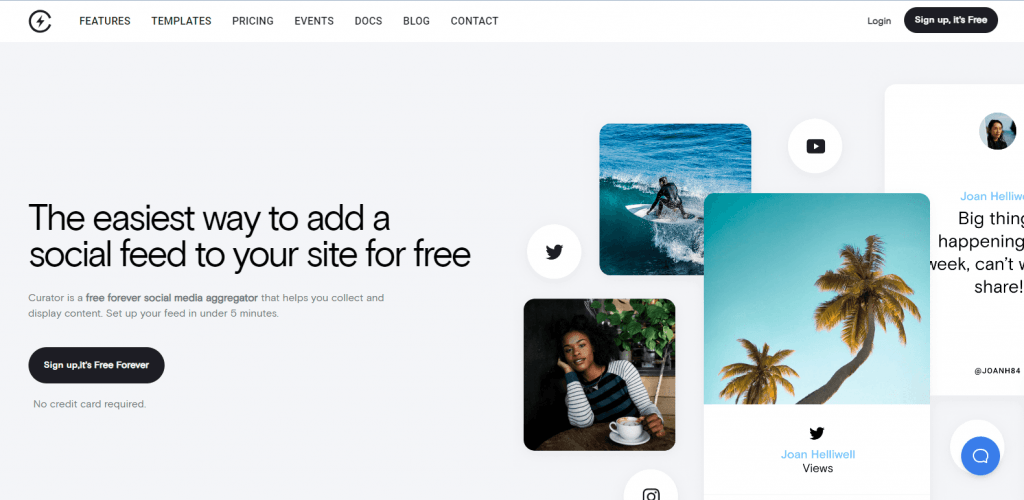
Curator is a social feed aggregator aimed at marketers who want a unified feed experience without coding. It supports LinkedIn and provides live feed updates.
Key Features
- Multi‑Network Aggregation: LinkedIn + other platforms.
- Customization Options: Themes, filters, layout styles.
- Moderation Workflow: Approve posts before publishing.
- Analytics Dashboard: Track engagement.
Ease of Use
Curator’s UI is clean and manageable. It’s not overly complex but still offers useful customization.
Pros
✔ Balanced feature set
✔ Clean interface
✔ Solid analytics
Cons
✘ Pricier than simpler tools
✘ Fewer design templates than Taggbox
Best For: Medium to larger teams that need structured moderation and analytics.
Features Comparison Table
| Taggbox | ⭐⭐⭐⭐ | ⭐⭐⭐⭐ | ⭐⭐⭐⭐ | ⭐⭐⭐⭐ | ⭐⭐⭐ | Enterprises & marketers |
| Tagembed | ⭐⭐⭐ | ⭐⭐ | ⭐⭐ | ⭐⭐⭐ | ⭐⭐⭐⭐ | Small/Medium businesses |
| Juicer | ⭐⭐⭐ | ⭐⭐ | ⭐⭐⭐ | ⭐⭐⭐ | ⭐⭐⭐⭐ | Simple multi feed |
| FeedWind | ⭐⭐ | ⭐ | ⭐⭐ | ⭐⭐ | ⭐⭐ | Developers & budgets |
| Curator | ⭐⭐⭐ | ⭐⭐⭐ | ⭐⭐⭐ | ⭐⭐⭐⭐ | ⭐⭐⭐ | Growing marketing teams |
How to Choose the Right LinkedIn feed embed Tool for Your Business
Choosing the best LinkedIn feed embed tool depends on your goals, budget, and technical skill:
✅ For Smooth Brand‑Aligned Engagement
Choose Tagembed or Curator if you want rich customization, analytics, and professional support.
✅ For Budget‑Friendly, Easy Installs
Tagembed and Taggbox are great — especially if you’re prioritizing simplicity and cost.
✅ For Multi‑Social Aggregated Feeds
If you want a combined social presence (LinkedIn + Instagram/Twitter/Youtube), go with Taggbox, Juicer, or Curator.
Best Practices for Embedding LinkedIn Feeds
No matter which tool you choose, follow these best practices:
1. Choose the Right Placement
- Homepage: for social proof
- Careers page: for job seekers
- Product pages: to reinforce authority
- Blog sidebar: for ongoing engagement
2. Keep Content Relevant
Don’t overwhelm visitors with low‑value posts. Use moderation tools to filter content.
3. Mobile First
Ensure the widget is responsive — most users now browse on phones.
4. Complement Your Strategy
Link a LinkedIn feed with your email campaigns, newsletters, or marketing landing pages.
5. Monitor Engagement
Use analytics dashboards to tweak wording, placement, and frequency.
Wrapping Up: What’s Best for You?
Every tool on this list has its strengths. If you want top‑tier customization and multi‑source power, go with Tagembed & Taggbox. If you need a simple, budget‑friendly LinkedIn embed, Tagembed is an excellent choice. For more aggregated social strategy, Juicer and Curator offer balanced solutions, while FeedWind is perfect for lightweight, developer‑friendly setups.
Embedding a LinkedIn feed on your website is one of the smartest ways to enhance engagement, credibility, and visitor interaction. By choosing the right tool, you’ll make that process seamless and impactful — turning passive browsing into meaningful engagement.


Leave a comment