In today’s digital world, keeping your website up-to-date and engaging is key to standing out. One effective way to do that is by integrating your LinkedIn feed directly onto your website. This allows your visitors to see your latest posts, updates, and professional activities, helping to reinforce your online presence and credibility. In this post, we’ll explore the best LinkedIn feed embed tools for websites in 2026 and guide you through the process of embedding them.
What is a LinkedIn Feed Embed?
A LinkedIn feed embed allows you to display your LinkedIn posts directly on your website. This feed could include a variety of content such as updates, articles, or shared media. By embedding this feed, you can ensure that your website visitors get an updated view of your professional activity without needing to navigate away from your site.
Benefits of Using a LinkedIn Feed Embed:
- Increased Engagement: Visitors to your website can easily view your LinkedIn updates, keeping them engaged with your latest content.
- Professional Branding: Displaying your LinkedIn widget adds credibility and showcases your expertise, helping to establish a professional image for your personal or business brand.
- Fresh Content: Keeping your website dynamic and regularly updated with new LinkedIn posts can make it feel fresh and relevant to your audience.
Key Features to Look for in LinkedIn Feed Embed Tools
When selecting a LinkedIn feed embed tool, here are some key features you should consider:
1. Customization Options:
Look for tools that offer customizable feed layouts and designs, allowing you to match the feed to your website’s look and feel. Some tools allow you to change colors, fonts, and styles to ensure the feed blends seamlessly with your branding.
2. Mobile Responsiveness:
Ensure that the tool supports mobile-friendly views. Given the increasing use of mobile devices, it’s essential that your LinkedIn feed looks great on smartphones and tablets.
3. Integration with CMS (Content Management Systems):
If you’re using popular CMS platforms like WordPress, Wix, or Squarespace, you’ll want an embed tool that integrates smoothly with these platforms. Easy integration means less hassle and more time to focus on content.
4. Support for Multiple Feeds:
For businesses or individuals with multiple LinkedIn accounts, it’s useful to have a tool that allows you to aggregate and display feeds from multiple profiles or business pages at once.
5. SEO Benefits:
Embedding LinkedIn content on your website can help with SEO. Fresh, real-time updates improve content relevance, and social proof from your professional network adds value to your site’s search ranking.
Top LinkedIn Feed Embed Tools for Websites in 2026
There are several LinkedIn feed embed tools that can help you seamlessly add LinkedIn feeds to your website. We’ve compiled a list of the best options for 2026, each offering unique features to enhance your website’s engagement and user experience.
1. Tagembed

- Overview: Tagembed is one of the most powerful LinkedIn feed embed tools on the market, designed to help users display social media feeds, including LinkedIn, on their websites with ease.
- Features: Tagembed allows users to embed LinkedIn feeds with a fully customizable interface. It offers real-time updates, support for multiple platforms, and mobile responsiveness.
- Why Use It: Tagembed is ideal for those who need a professional-looking, highly customizable LinkedIn feed on their websites. It integrates easily with platforms like WordPress, Wix, and Shopify, and its user-friendly interface makes it accessible to beginners and advanced users alike.
2. Taggbox
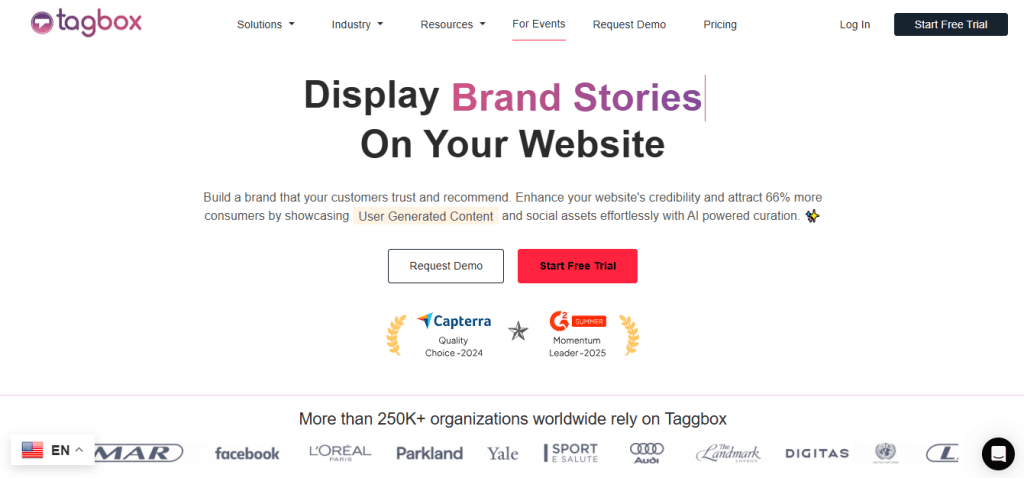
- Overview: Taggbox is another popular tool for embedding LinkedIn feeds, providing advanced features for customization and analytics.
- Features: Taggbox offers a wide range of templates, live feed moderation tools, and multiple design options. It allows you to showcase LinkedIn posts with ease, along with advanced features such as engagement tracking and analytics.
- Why Use It: Taggbox is perfect for users who want more control over the appearance and behavior of their LinkedIn feed. It’s especially useful for businesses that want to track engagement and analyze their feed’s performance.
3. Social Walls
- Overview: Social Walls offer aggregation and embedding of LinkedIn content, allowing users to display LinkedIn feeds alongside other social media posts.
- Features: Supports embedding feeds from LinkedIn, Instagram, Twitter, Facebook, and more. Offers customization options for design and layout.
- Why Use It: Great for users looking to showcase LinkedIn updates in combination with content from other social networks in one feed.
- Website: Example – SocialWalls
3. Common Ninja
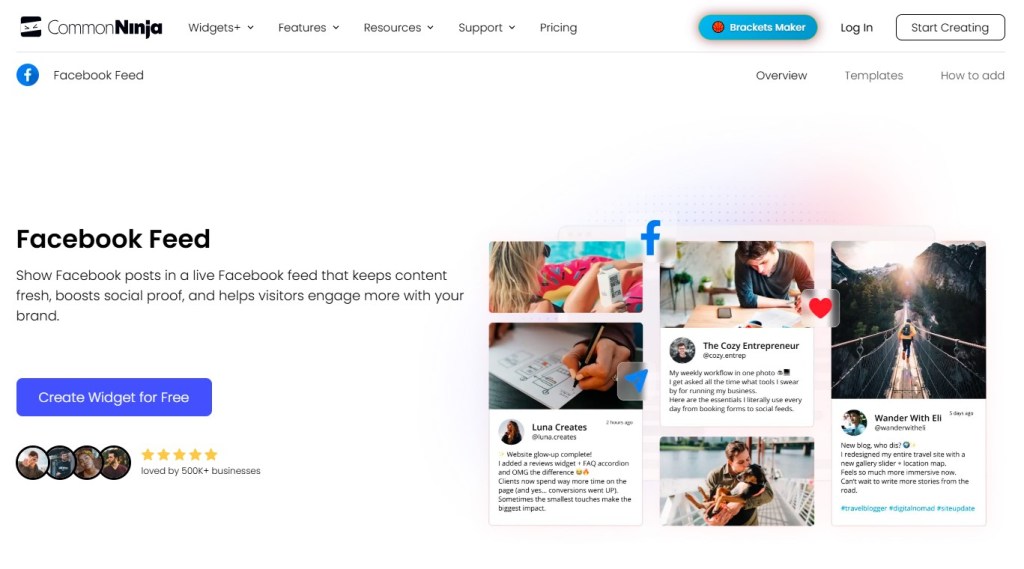
- Overview: Common Ninja offers a lightweight and easy-to-use LinkedIn feed widget that can be easily embedded on websites.
- Features: Provides fully responsive design, easy setup, and simple customization options. Ideal for users looking for a no-frills LinkedIn feed display.
- Why Use It: Perfect for users who need a LinkedIn feed widget with minimal setup and a quick, straightforward integration.
4. POWr – LinkedIn Feed Plugin
- Overview: POWr provides a simple LinkedIn feed plugin that enables users to embed LinkedIn posts onto their websites.
- Features: Easy-to-use interface, customizable design options, and responsive layout.
- Why Use It: Ideal for users who need a quick and straightforward plugin to embed a LinkedIn feed with basic features.
5. Juicer

- Overview: Juicer is an advanced feed aggregator that supports embedding LinkedIn feeds along with content from other social platforms like Instagram, Facebook, and Twitter.
- Features: Juicer allows for clean, customizable designs and supports moderation tools to filter out inappropriate content. It also offers real-time feed updates and mobile-friendly layouts.
- Why Use It: Great for businesses or individuals who want to combine multiple social media feeds, including LinkedIn, into one cohesive display on their website.
How to Embed a LinkedIn Feed Using These Tools
Embedding your LinkedIn feed on your website is simple with the right tool. Here’s how you can do it with the tools mentioned above:
- Sign up for the tool of your choice (e.g., Tagembed, Taggbox, or any other).
- Connect your LinkedIn account and choose the type of feed you want to embed (profile updates, posts, or business page).
- Customize your feed’s appearance by adjusting the layout, colors, and size to match your website’s design.
- Copy the embed code provided by the tool.
- Paste the code into the HTML section of your website or CMS editor where you want the feed to appear.
Common Issues with LinkedIn Feed Embeds & How to Fix Them
– Feed Display Problems:
If your LinkedIn feed doesn’t display correctly, it could be due to incorrect API settings or conflicts with other embedded elements on your site. Double-check your API settings and the embed code to resolve these issues.
– Mobile Compatibility:
If your feed looks great on desktop but not on mobile, make sure you’re using a mobile-responsive tool. Check the mobile preview feature in your embed tool and adjust settings if necessary.
– Performance Issues:
Embedding external content can sometimes slow down your site. To optimize performance, try using lazy loading for the feed and ensure your website is well-optimized for speed.
Conclusion: Choosing the Right LinkedIn Feed Embed Tool
There are plenty of LinkedIn feed embed tools available, each offering unique features to fit different needs. Whether you’re looking for an easy-to-use tool like Social Feed or a more advanced solution like Taggbox or EmbedSocial, the right tool can help you showcase your LinkedIn updates and engage visitors in 2026.
Ready to enhance your website’s professional image with a LinkedIn feed? Choose the tool that best fits your needs, follow the simple steps to embed the feed, and start showcasing your LinkedIn activity to the world.


Leave a comment